Back
I am on the 'Website Creation' step. Now What?So let’s get acquainted with the Site2You.com Editor Interface. 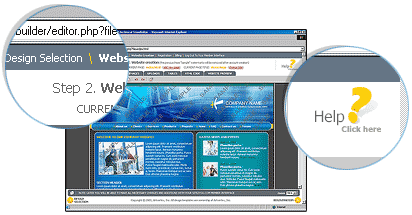
At the top of the page you can see the steps of the website creation process. The “Website Creation” step is highlighted, indicating your choice. At the right below you can see the “Help” button (the help center will be launched in a new window). 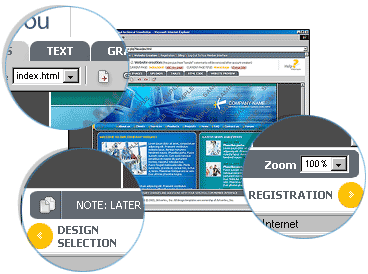
Below you can see the Site2you toolbar. All available tools are located there, switch between the tabs to find more tools. The working area is located below. Under the working area you can see the tip bar, from time to time useful tips appear there. At the bottom corners of the page you can find two buttons. The “Back” button, indicated with a left arrow, will return to the previous step (design selection). Note that all changes made in the editor will be lost if this button is used. The “Forward” button, indicated with the right arrow, will take you to the next step of the process. | 








